Choose Lighting Wisely for Your Smart Home
Planning to build or renovate your home? Lighting Automation is one of the first decisions you will make — and one of the most consequential for your smart home setup. Yet most homeowners choose their lights and their smart automation system independently, which leads to flickering fixtures, incompatible dimmers, and expensive rework.
This guide explains the key lighting types available today, how LED drivers work, and why your lighting choices must be aligned with your home automation system from day one.
What Lighting Options Are Available Today?
A few years ago, the choice was simple: incandescent or fluorescent. Today, homeowners have a far wider selection:
- LED downlighters — the most common choice for recessed ceiling lighting in smart homes
- LED strip lights — used for cove lighting, shelving, and architectural accents
- RGB LEDs — full colour control for mood and accent zones
- Tuneable white LEDs — adjustable colour temperature from warm to cool white, ideal for living and work spaces
- Magnetic track lighting — modular, repositionable spotlights on a low-voltage rail
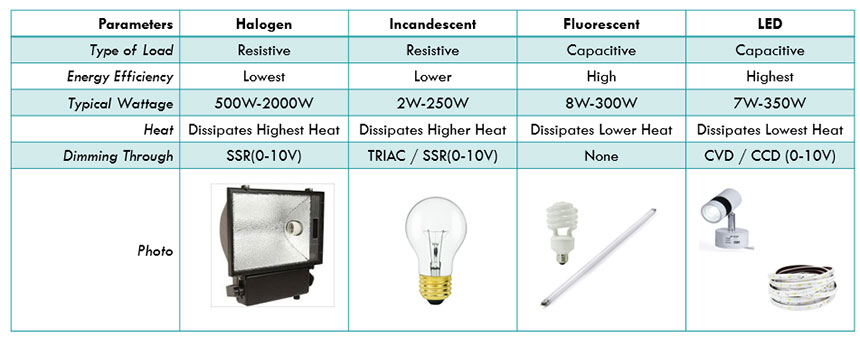
- Halogen lamps — a resistive load, simpler to dim, but energy-inefficient compared to LED
Each type has different wiring requirements, dimming behaviour, and compatibility constraints when connected to automation. Consulting a lighting designer or showroom is recommended for complex projects — but understanding the basics yourself prevents costly mismatches.
Understanding LED Drivers: CVD vs CCD
Unlike halogen or incandescent bulbs, LEDs cannot be connected directly to mains power. They require a driver — a device that regulates the electrical supply to the fitting. There are two types:
CVD (Constant Voltage Driver) Supplies a fixed voltage, typically 12V or 24V DC. Used with LED strip lights, RGB systems, and magnetic track lighting. The driver wattage must match the total wattage of the connected strip or fittings.
CCD (Constant Current Driver) Supplies a fixed current (measured in milliamps). Used with LED downlighters and high-power LED modules. The output current must precisely match the LED fixture’s specification.
Getting the driver type or wattage wrong — even slightly — can cause persistent flickering immediately or after some time, and significantly reduce the lifespan of expensive LED fixtures.
How Smart Switches Connect to Your Lighting
Smart touch switches and dimmers do not connect directly to your LED fittings. They connect to the LED driver, which then powers the fixture. For dimming to work correctly through an app or voice assistant (such as Alexa or Google Home), the smart switch must be compatible with the specific driver type it is connected to.
This means three components must be specified together:
- The LED fitting
- Its driver (CVD or CCD, correct wattage)
- The smart dimmer switch (rated and tested for that driver type)
If any one of these three is mismatched, the result is a system that either does not dim, flickers under load, or fails prematurely.
Why Lighting and Automation Must Be Planned Together
The most common mistake during home builds and renovations is treating lighting selection and smart home automation as separate decisions. By the time the electrician is on site, incompatible products have already been purchased — and resolving the mismatch after wiring is complete is significantly more expensive than planning correctly upfront.
The right approach is to specify lighting type, driver, and smart switch as a single coordinated decision for each zone in the home.
BuildTrack Smart Dimmer Switches
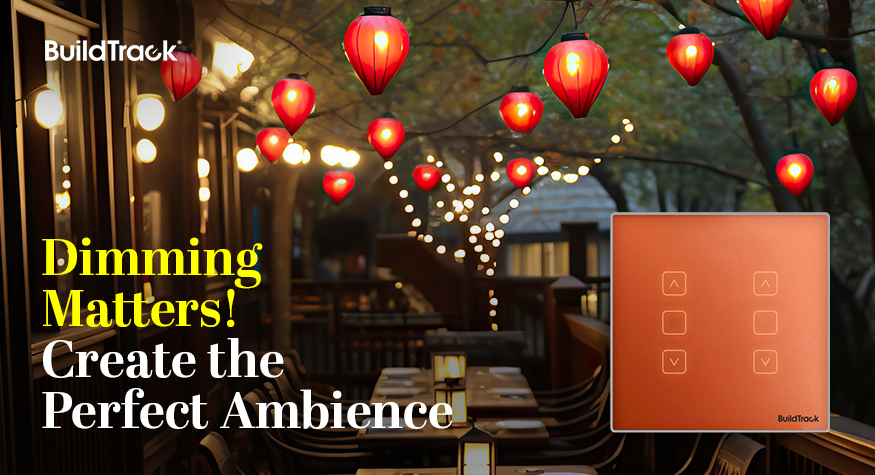
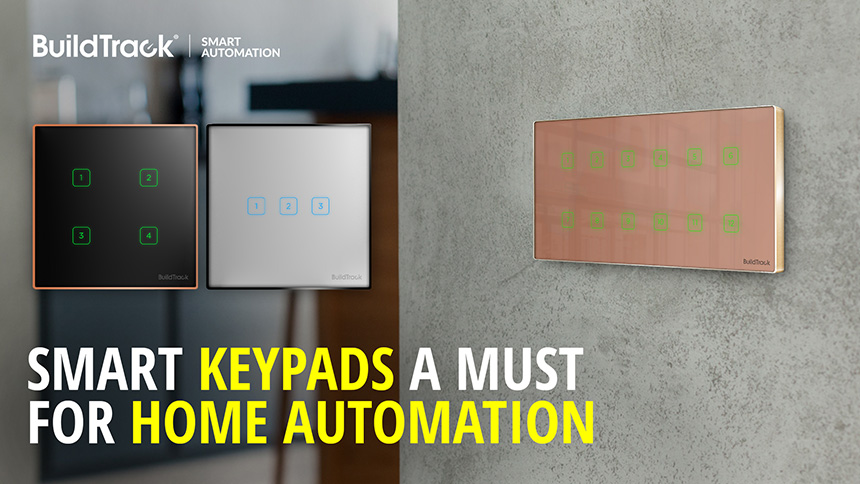
BuildTrack offers a range of touch switches designed for both on/off and dimming control of LED lighting systems. Their compact dimmer range accommodates multiple dimming switches in a minimal footprint — useful in high-density switch plate configurations.
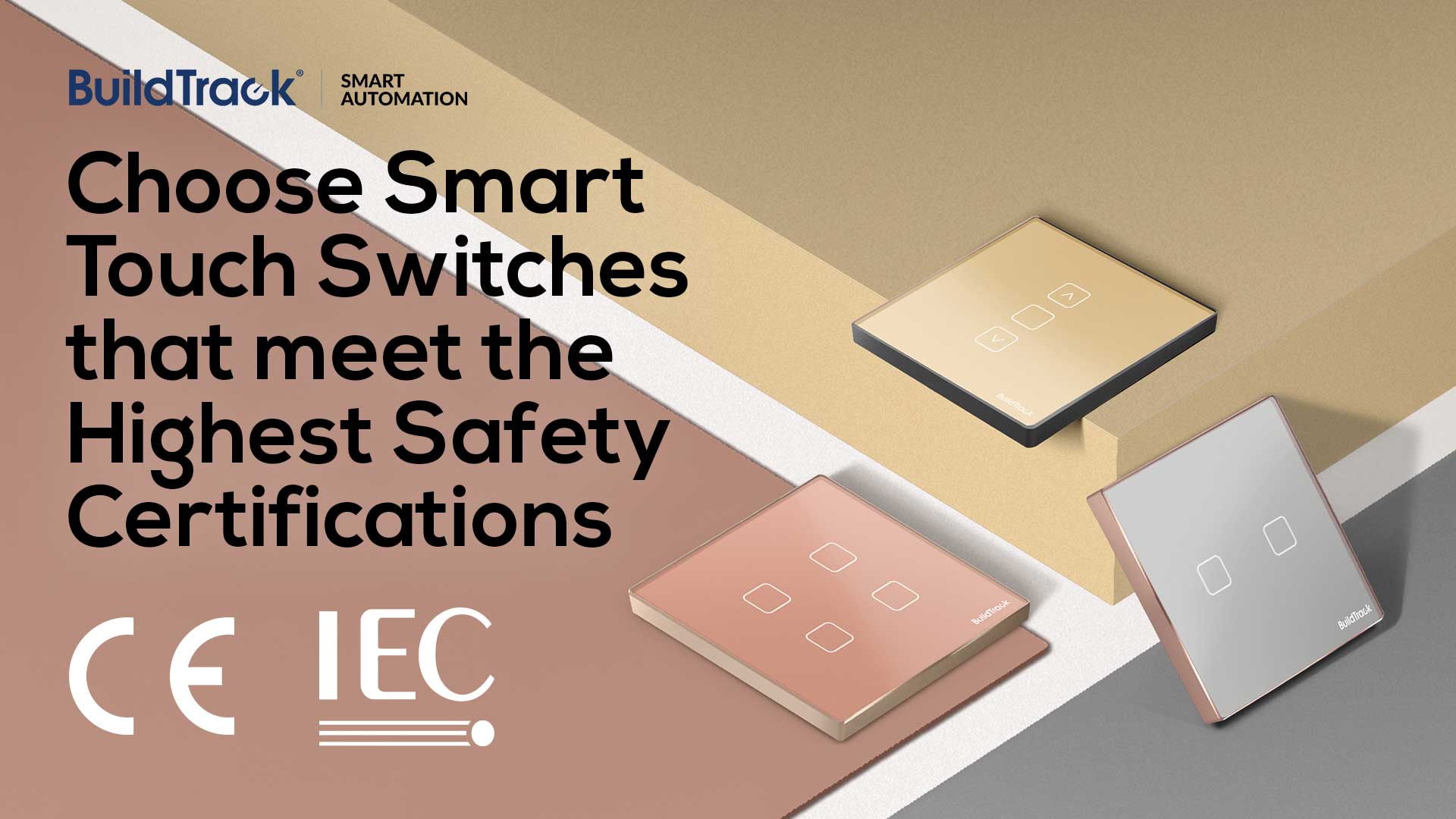
Switches are available with tempered glass surfaces and metal framing in a range of finishes, allowing them to complement the interior aesthetics of the room while meeting the technical requirements of the connected lighting.
You can specify and configure your switch plate online using BuildTrack’s Build Your Switch tool.