Dimming Matters: How to Choose the Right Method for Your Space
A breakdown of phase-cut, analog, and DALI dimming — and how BuildTrack extends DALI scenes beyond lighting to AC, fans, and media.
Why Dimming Is a Design Decision, Not an Afterthought
Most lighting plans stop at fixture choice and layout — but the ability to dim is what actually lets a space serve more than one purpose. A conference room that dims for a presentation, a dining area that shifts from daytime brightness to evening warmth, a bedroom that goes from full task lighting to a low glow at night — none of that is possible without a dimming method built into the fixture from the start.
Getting this right matters for four practical reasons:
- Energy efficiency — lower brightness draws less power, directly reducing lighting-related energy costs.
- Extended fixture lifespan — LEDs run cooler and degrade slower at reduced output, cutting replacement frequency.
- Comfort — matching light levels to the task reduces eye strain, particularly in spaces used for long stretches.
- Mood and flexibility — the same room can support entirely different uses across a day without re-lighting it.
How LED Drivers Handle Dimming
LED drivers regulate the power delivered to LED fixtures, and dimming capability lives at this level rather than in the bulb itself. Drivers are broadly either Constant Voltage (typical for LED strips) or Constant Current (typical for COB lights) — which type you need depends on the fixture, not personal preference.
Three dimming protocols cover most installations: phase-cut, analog (0-10V), and DALI (digital). Each has a different cost, wiring requirement, and dimming quality — the right choice depends on whether you’re retrofitting an existing space or wiring a new one.
Phase-Cut Dimming
Adjusts brightness by modifying the power supply itself — the same method long used with incandescent and halogen bulbs, now adapted for LEDs via compatible drivers.
Pros: easy to retrofit into existing wiring, cost-effective, works with a wide range of existing dimmer switches.
Cons: can flicker or have compatibility issues with certain LEDs (test per fixture), offers a less precise dimming range, and can produce audible noise in some setups.
Analog (0-10V) Dimming
Controls brightness by adjusting DC voltage or current directly in the driver string.
Pros: smoother, more consistent control than phase-cut; well suited to new installations with dedicated control wiring.
Cons: requires control wiring running from the driver back to the switch — difficult to add in a retrofit where new wiring isn’t an option.
DALI Dimming
A fully digital protocol that sends commands over a shared bus, built on an open standard for interoperability across manufacturers.
Pros: the smoothest control available, especially at very low dimming levels; supports individual or grouped dimming; enables scene-based control across multiple fixtures at once.
Cons: DALI drivers cost more than phase-cut or analog equivalents, and standard DALI scenes are typically limited to lighting — AC, fans, and media devices aren’t natively included.
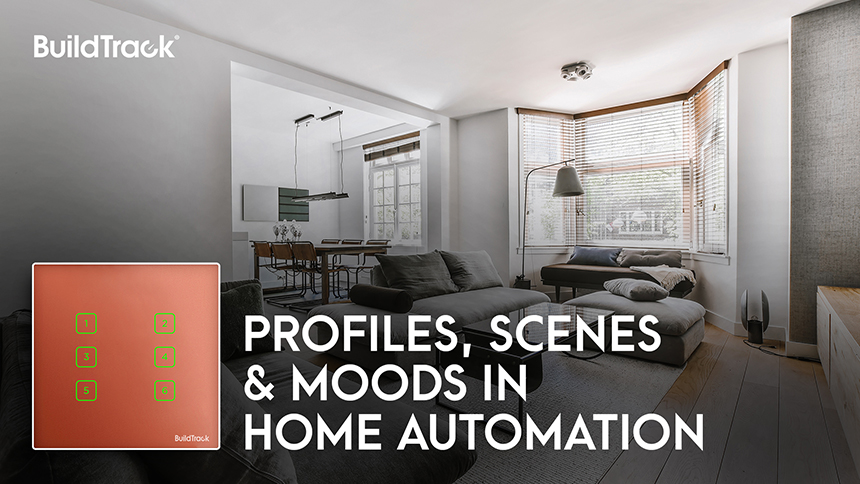
BuildTrack extends this last limitation directly: its scene engine brings AC, fan, and media control into the same DALI-based scenes as lighting, so a single scene trigger — “Meeting Mode,” “Evening,” “Presentation” — can shift the whole room at once rather than lighting alone.
Choosing the Right Method for Your Space
Retrofitting an existing space without new wiring generally points toward phase-cut. A new build with dedicated control wiring can support analog or DALI. Where scene control across multiple fixture types — not just lighting — matters, DALI is the only one of the three that supports it, and it’s the protocol BuildTrack’s touch switches are built around: dimming, tuning, scene creation, scheduling, and color adjustment from one interface.