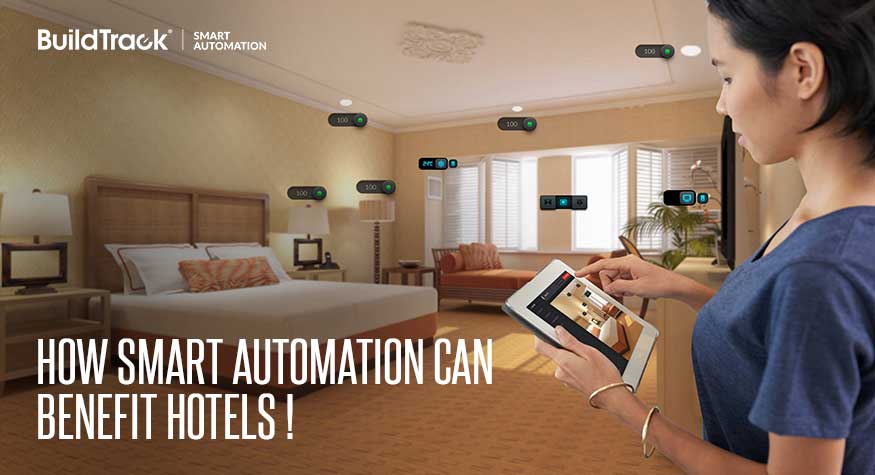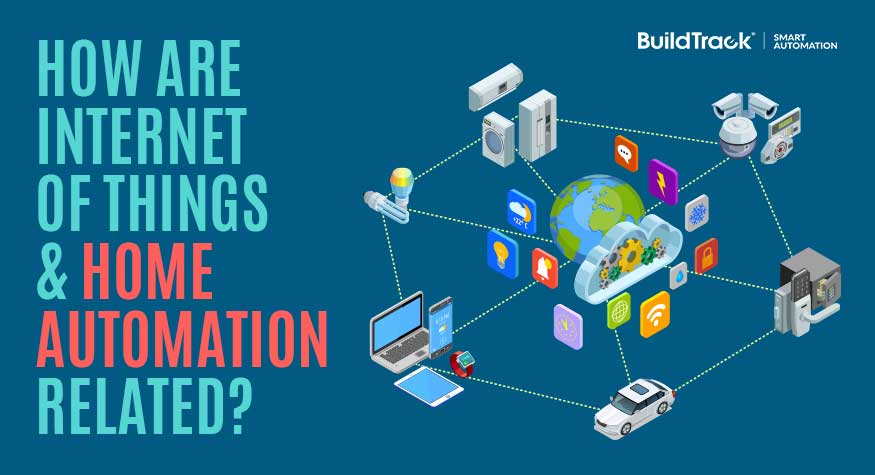
Home automation is one of the most common real-world applications of the Internet of Things (IoT). It uses internet-connected sensors, actuators, and cameras to let you monitor and control your home’s lighting, security, and appliances remotely — from anywhere, using a phone, tablet, or computer.
What is IoT (Internet of Things)?
IoT refers to devices that can connect to the internet and communicate with users or with each other over it. In a home automation context, these devices typically fall into four categories:
- Sensors — for safety monitoring (fire, smoke, gas leak), security (door intrusion, glass break, motion), and equipment monitoring
- Actuators — devices that control electrical switches, plug points, or equipment
- Cameras — devices that stream video or images over the internet, such as video door phones
- Smart appliances and equipment — sensors and actuators built directly into products like microwaves, refrigerators, or thermostats
How IoT powers home automation
The goal of home automation is to make homes safer, more secure, and more convenient. Each category of IoT device contributes to that goal in a specific way:
Sensors
Fire, smoke, gas leak, door intrusion, glass-break, and motion sensors are the backbone of a home’s safety and security layer — detecting problems and triggering alerts before they escalate.
Actuators
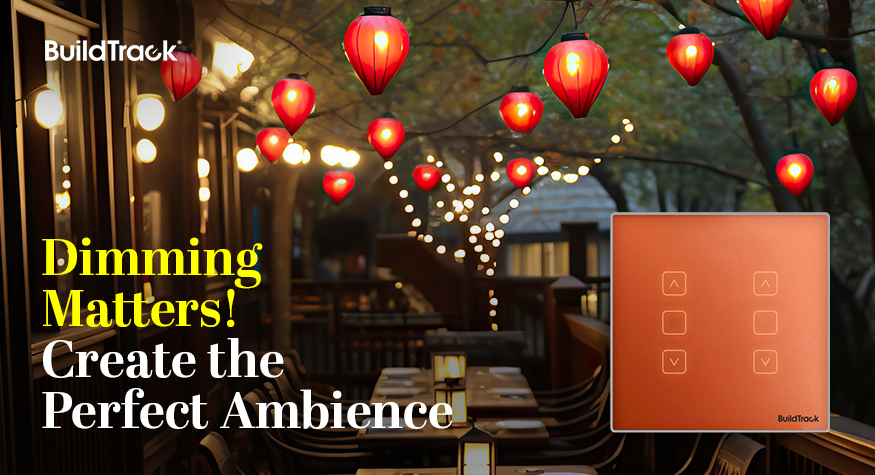
Actuators control the switches and plug points around your home — lighting, dimming, fan speed, curtain motors, and more — turning a passive switch into something you can automate, schedule, or trigger remotely.
Cameras and video door phones
Video door phones let you see and speak with visitors at your door in real time, whether you’re in the next room or on the other side of the city.
IR blasters
IR blasters extend automation to devices that only take infrared remote signals — air conditioners, fans, heaters, TVs, set-top boxes, and music systems — bringing them into the same connected system as your switches and sensors.
Thermostats
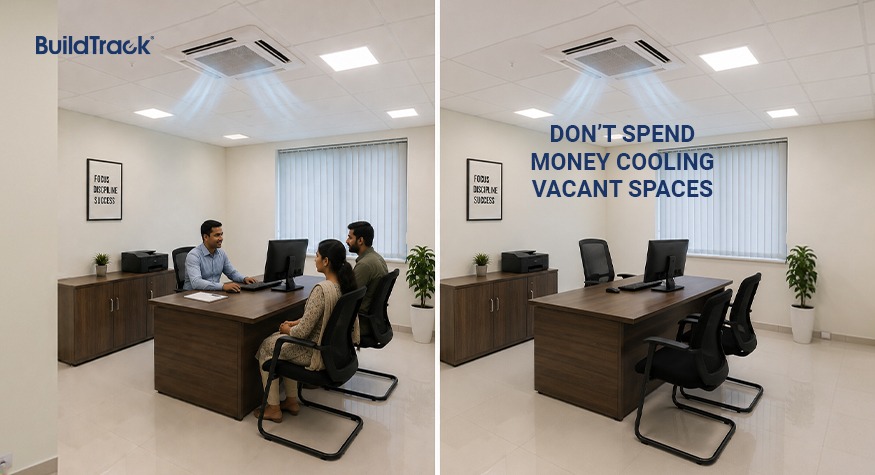
Thermostats combine a sensor (ambient temperature) with an actuator (AC or heater control) to maintain a set comfort level automatically, without manual adjustment.
Traditional home automation vs. IoT-based home automation
Home automation existed before IoT did. Older systems relied on dedicated wall-mounted panels or remotes that only worked while you were physically present at home, communicating over local wiring or short-range signals.
IoT changed that by connecting those same devices to the internet. The core difference:
| Traditional home automation | IoT-based home automation | |
|---|---|---|
| Control location | On-site only | Anywhere with internet access |
| Communication | Local wiring / short-range signal | Internet (Wi-Fi, cellular) |
| Access device | Dedicated panel or remote | Phone, tablet, computer, voice assistant |
| Data & insights | None | Usage patterns, remote alerts, energy tracking |
In short: IoT didn’t replace home automation — it’s the layer that made home automation remotely accessible, and that distinction is why the two terms are so often used interchangeably today.
Why Indian homeowners are adopting IoT-enabled automation
The shift toward connected homes in India is backed by market data, not just anecdote. Industry research values India’s home automation market at roughly $3.86 billion in 2024, with projections to grow to nearly $14.93 billion by 2033 — a compound annual growth rate above 16%. Home security and safety features alone account for close to half of current demand, driven in part by insurers offering premium discounts for IoT-enabled risk mitigation.
Adoption isn’t limited to security. Health monitoring and assisted-living use cases — fall-detection mats, medication reminders, remote consultations — are forecast to be one of the fastest-growing categories as India’s older population expands, while energy management features are gaining traction alongside rooftop solar installations.
BuildTrack’s IoT-based home automation solutions
BuildTrack brings all of the above — sensors, actuators, cameras, and thermostats — together into a single connected system designed for Indian homes, from individual apartments to full villa and senior-living installations. Explore our home automation solutions, including our smart touch switches, energy efficiency solutions, and building management systems for larger properties.
FAQs
Is home automation a part of IoT?
Yes. Home automation is one of the most widespread consumer applications of IoT — it uses internet-connected sensors and actuators to let you monitor and control home devices remotely.
What is IoT-based home automation?
It’s a home automation system where devices like sensors, actuators, cameras, and thermostats connect to the internet, so they can be monitored and controlled from anywhere rather than only on-site.
What’s the difference between home automation and IoT?
Home automation is the broader goal — making a home safer and more convenient. IoT is the technology (internet connectivity) that lets today’s home automation devices be controlled remotely rather than only locally.
What devices make a home “IoT-enabled”?
Common devices include smart switches and plugs, security sensors (smoke, gas, motion, door), video door phones, smart thermostats, and IR blasters that bring legacy remote-controlled appliances into the same connected system.