The Hidden Limitations of IR Blasters

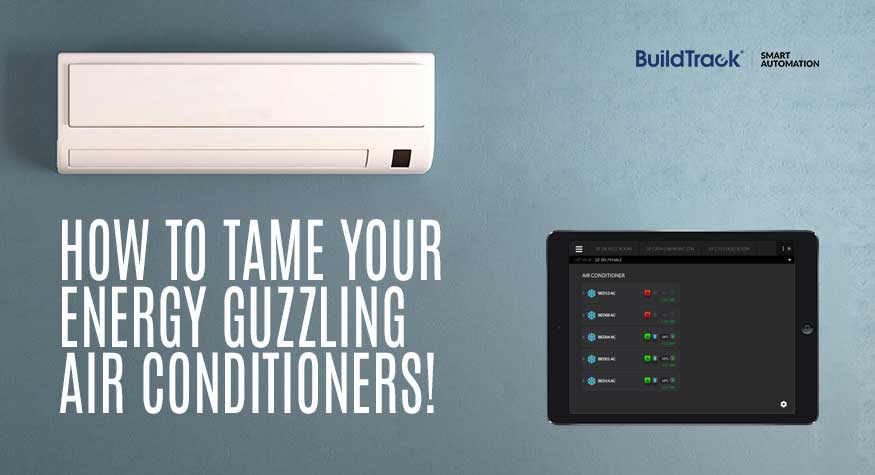
With the rise of smart homes, integrating air conditioners into automation systems has become increasingly common. Since most AC units, whether split systems, VRV, or FCUs are controlled using infrared (IR) remotes, many automation setups rely on IR blasters to replicate these controls via a mobile app.

At first glance, this feels like a simple and effective solution, but there’s a critical limitation that most users only discover after they start using it. It may not be providing you with the actual operating status of your AC!

How IR Blasters Work

IR blasters mimic your AC remote. Instead of pressing buttons on a physical remote, you tap controls in a Smart App. The app sends a signal (via Wi-Fi, Bluetooth, or the internet) to the IR blaster, which then transmits an infrared signal to the AC—just like a regular remote would.

It’s convenient, easy to set up, and widely used. However, the problem lies in what happens after the signal is sent.

The Problem: No Feedback from the AC

IR communication is one-way. Your AC receives commands, but it doesn’t send any confirmation back. This means:

  • The IR blaster does not know if the AC actually received the signal it sent
  • What you see on your Smart App may not reflect reality of AC status

When you press a button, you usually glance at the indoor unit to confirm it responded. That’s because even with a physical remote, there’s no feedback mechanism. IR blasters work the same way but without you being there to verify the result.

Your Smart App could be lying to you

Most automation apps display information like:

  • AC ON/OFF status
  • Temperature setting
  • Fan speed

But this data is not live feedback from the AC instead it is simply the last command sent from the app. The Smart App is showing you what it thinks happened not what actually happened and those two things can easily be different.

Common Real-Life Situations Where Things Go Wrong

1. Someone Uses the Physical Remote

Even in automated homes, people still use traditional remotes—it’s quick and convenient.

But when the AC is operated this way, the IR blaster is bypassed. The Smart App does not have this data and so the displayed status becomes incorrect. You might think the AC is OFF—while it’s actually running.

2. The IR Signal does not reach the AC

IR signals require a clear line of sight. Obstructions, placement or room conditions can prevent commands from reaching the AC reliably. The Smart App still assumes it worked and shows status as such, so the app and AC are not in sync.

You cannot trust the status shown by the system and this isn’t just inconvenient—it can lead to energy waste and higher bills.

A Better Alternative: IR Transceiver Technology

The IR Transceiver Technology solves this problem more effectively. An IR Transceiver Node sits directly at the AC’s IR receiver and acts as an intelligent intermediary:

  • It receives signals from any remote (including handheld remotes or smart phones with built-in IR) and – an IR Transceiver can be positioned to capture and manage incoming commands.
  • It receives the command and itself re-transmits to the AC

Since every command flows through the IR Transceiver Node:

  • The system always knows the last actual command executed

An IR Transceiver Node still does not get actual feedback from most ACs. A transceiver can verify if a signal was sent but it still cannot track the true state, however, yes it is better than IR blaster but does not guarantee actual status.

We can say that the syncing between the automation system and AC improves in comparison with IR blaster.

In short, when you move to IR Transceiver Node system you regain trust in your home automation system for accuracy and reliable status of your AC.
WIRED VS. WIRELESS HOME AUTOMATION – THE SURPRISING TRUTH ABOUT WHICH SYSTEM IS BEST FOR YOUR HOME?

Wired or Wireless Home Automation?

BuildTrack is a home automation company offers smart home automation solutions, from wired to wireless systems. Many homeowners and builders face a key question: should they choose wired or wireless home automation devices for their homes?

This is the question that many builders and home-owners debate when considering home automation for their BHKs or Villas or building management system (bms) for buildings that they are constructing. In this day and age of pervading wireless in the forms of 3G, 4G, 5G, WiFi, IR and much more, it is ever so tempting to go the wireless route even for home automation.  In many cases the physical circumstances and constraints posed in existing spaces leave no choice but to go wireless. However, there are many new-build or renovation situations where wiring is an option, in such cases we would always recommend to the user to go with wiring being installed for enabling wired home automation systems.

Top Reasons Why Wired Home Automation is Worth Considering

Cost of Wiring for Home Automation During New Builds

During a new home build or full renovation, the cost of wiring for home automation is relatively low compared to the overall electrical wiring cost. Since automation cables can share the same conduits as standard electrical wiring, there is minimal additional infrastructure required.

In most cases, the added cost is limited to a single loop of low-voltage wiring per room, making it a small percentage of the total project cost.

Typical cost impact:

  • ₹300–₹500 per point (approx.)
  • ₹10,000–₹25,000 for a standard 2BHK setup

Because the wiring is installed during construction, labour and material costs remain controlled, making wired automation a cost-effective choice for new builds.

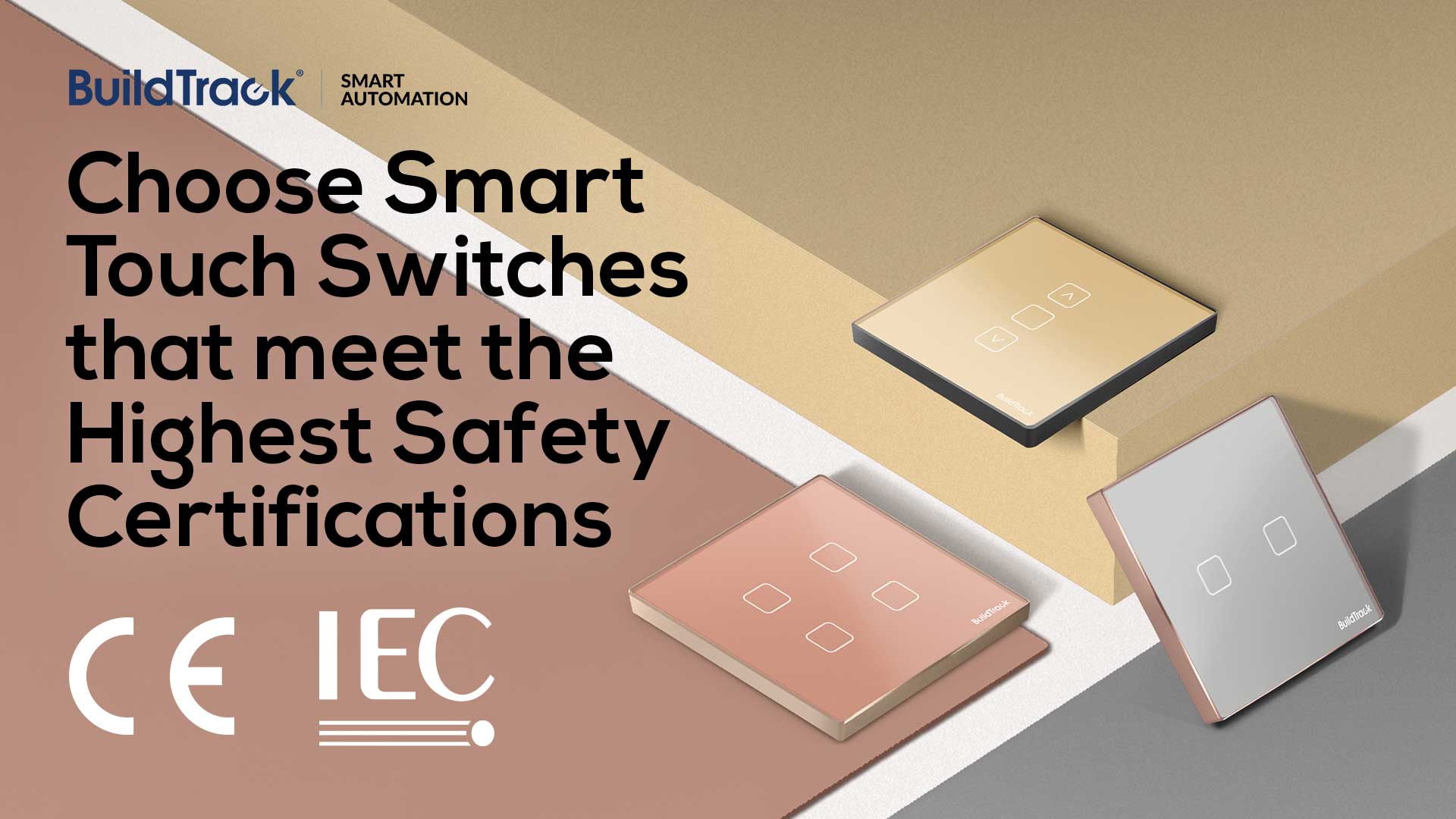
To understand how wired systems work in real setups, you can explore wired smart switches, which are commonly used in structured home automation systems.

However, this cost advantage applies mainly during new construction. For existing homes, wiring can significantly increase renovation costs.

Future-Proof Your Home Automation with Wired Systems

If you put wiring in place, you can still in the future opt for a wireless system. The reverse however is not possible. The wiring that is in place in no way interferes or prevents one from using any type of wireless systems in the future.

Wired Home Automation: Cost and Installation Insights

Wired systems are much more reliable since they typically use shielded cables and there is no interference from anything to the signals that move in them. Unlike wireless systems where there can be many sources of interference, especially if the same frequency and channel is being used by multiple devices not only in one’s home, but even in neighboring homes.

Wired vs Wireless Performance: What You Need to Know

The performance of wired systems is consistently better than wireless systems, because they are dedicated for this purpose alone. System latency is much lower and seamless controls of multiple circuits can be achieved especially whilst executing profiles/scenes involving multiple circuits or devices. Wireless systems such as WiFi are shared systems and performance can vary depending on who is using what type of device connected to that network. The ebb and flow of streaming media and the increase in the devices using them will inevitably have an impact on performance of the Smart Automation system which has no preference amongst them.

Ensuring Home Security and Safety with Wired Systems

Research data shows that around 50 percent Users adopt automation to meet their security and safety needs. Wired networked systems with minimal likelihood of interference from external sources, jamming possibilities and a need for frequent sensor battery changes is the only reliable option to meet these critical requirements.

Wired Home Automation and Long-Term Technology Benefits

Technology is constantly changing, and one can easily change many aspects such as phones or PCs every few years without much thought. But devices such as switches which are in significant quantities across a home and are placed with some intent of permanence inside the walls of the home cannot be changed so quickly. So it makes sense to have wired systems which will not be impacted that quickly by any technological change.

Are there any reasons not to consider Wired systems? Typically the reasons we encounter for this are:

Are Cables Prone to Damage?

Cables can be destroyed by rats who practically chew everything. While theoretically this is true, in our many years we have yet to encounter a situation where any system has been brought down due to the wiring being destroyed by rats or mice.

Does Going Wireless Delay Investment Costs?

Going wireless allows owners or builders the ability to delay their investment in the building process to the very end. While that is correct, the wiring costs are marginal in comparison to the cost of renovating or building a home.

Understanding Different Types of Wiring: RS485, CAT6, TP1

It may be important to point out that all wired systems are not the same. The type of wire can be different (e.g. RS485 or CAT6 or TP1 cable). The nature of the wiring can be different for example, the CAT6 system is a point to point wiring system, hence at the termination point the various CAT6 cables come from various switch boxes across the home to form at mighty bundle. In the case of RS485 there is a single cable loop (bus system) that runs across the home and drops from it are used in various switch boxes, so there is only a single cable at the termination point.

Final Verdict: Wired or Wireless – Making the Smart Choice

Choosing between wired and wireless home automation depends on your home’s layout, budget, and long-term reliability needs. For new builds or renovations, installing wired systems offers unmatched performance and flexibility, while still allowing future wireless upgrades. Contact BuildTrack to design a smart automation system tailored to your home.