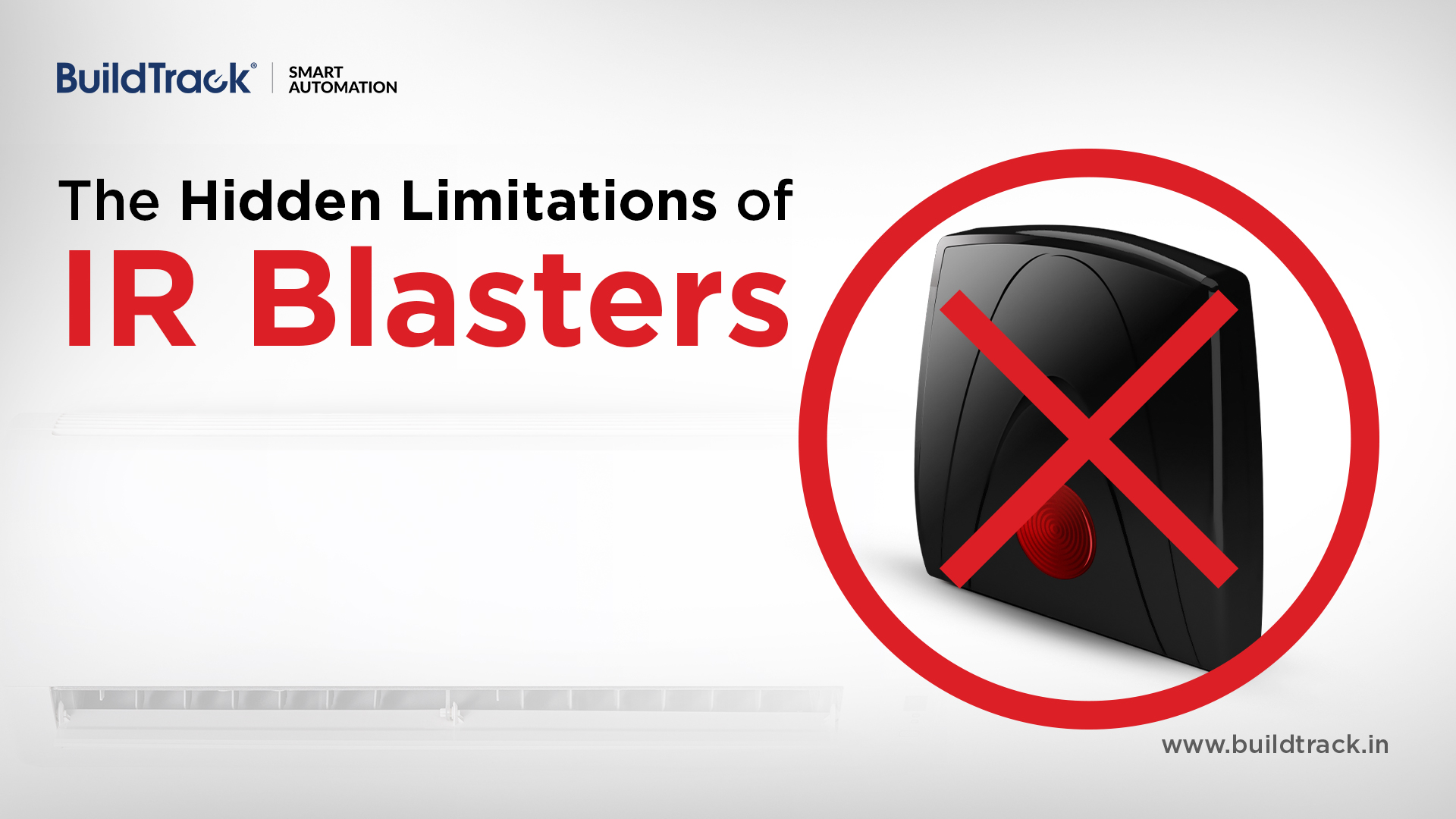
With the rise of smart homes, integrating air conditioners into automation systems has become increasingly common. Since most AC units, whether split systems, VRV, or FCUs are controlled using infrared (IR) remotes, many automation setups rely on IR blasters to replicate these controls via a mobile app.
At first glance, this feels like a simple and effective solution, but there’s a critical limitation that most users only discover after they start using it. It may not be providing you with the actual operating status of your AC!
How IR Blasters Work
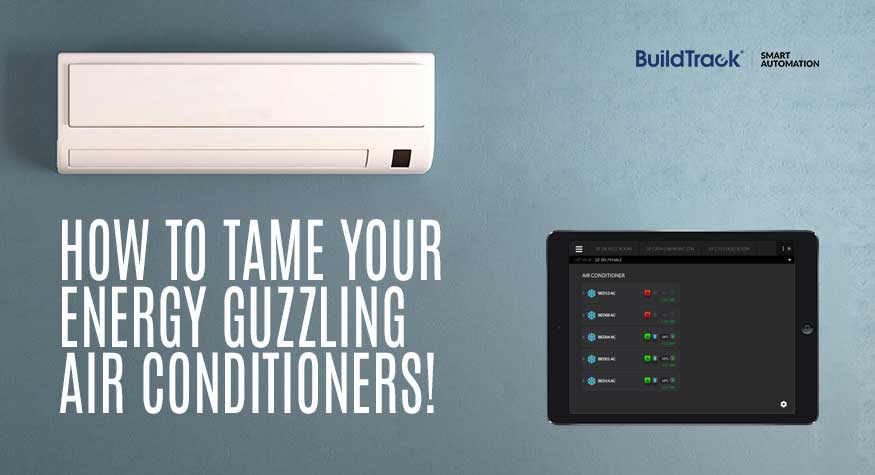
IR blasters mimic your AC remote. Instead of pressing buttons on a physical remote, you tap controls in a Smart App. The app sends a signal (via Wi-Fi, Bluetooth, or the internet) to the IR blaster, which then transmits an infrared signal to the AC—just like a regular remote would.
It’s convenient, easy to set up, and widely used. However, the problem lies in what happens after the signal is sent.
The Problem: No Feedback from the AC
IR communication is one-way. Your AC receives commands, but it doesn’t send any confirmation back. This means:
- The IR blaster does not know if the AC actually received the signal it sent
- What you see on your Smart App may not reflect reality of AC status
When you press a button, you usually glance at the indoor unit to confirm it responded. That’s because even with a physical remote, there’s no feedback mechanism. IR blasters work the same way but without you being there to verify the result.
Your Smart App could be lying to you
Most automation apps display information like:
- AC ON/OFF status
- Temperature setting
- Fan speed
But this data is not live feedback from the AC instead it is simply the last command sent from the app. The Smart App is showing you what it thinks happened not what actually happened and those two things can easily be different.
Common Real-Life Situations Where Things Go Wrong
1. Someone Uses the Physical Remote
Even in automated homes, people still use traditional remotes—it’s quick and convenient.
But when the AC is operated this way, the IR blaster is bypassed. The Smart App does not have this data and so the displayed status becomes incorrect. You might think the AC is OFF—while it’s actually running.
2. The IR Signal does not reach the AC
IR signals require a clear line of sight. Obstructions, placement or room conditions can prevent commands from reaching the AC reliably. The Smart App still assumes it worked and shows status as such, so the app and AC are not in sync.
You cannot trust the status shown by the system and this isn’t just inconvenient—it can lead to energy waste and higher bills.
A Better Alternative: IR Transceiver Technology
The IR Transceiver Technology solves this problem more effectively. An IR Transceiver Node sits directly at the AC’s IR receiver and acts as an intelligent intermediary:
- It receives signals from any remote (including handheld remotes or smart phones with built-in IR) and – an IR Transceiver can be positioned to capture and manage incoming commands.
- It receives the command and itself re-transmits to the AC
Since every command flows through the IR Transceiver Node:
- The system always knows the last actual command executed
An IR Transceiver Node still does not get actual feedback from most ACs. A transceiver can verify if a signal was sent but it still cannot track the true state, however, yes it is better than IR blaster but does not guarantee actual status.
We can say that the syncing between the automation system and AC improves in comparison with IR blaster.
In short, when you move to IR Transceiver Node system you regain trust in your home automation system for accuracy and reliable status of your AC.